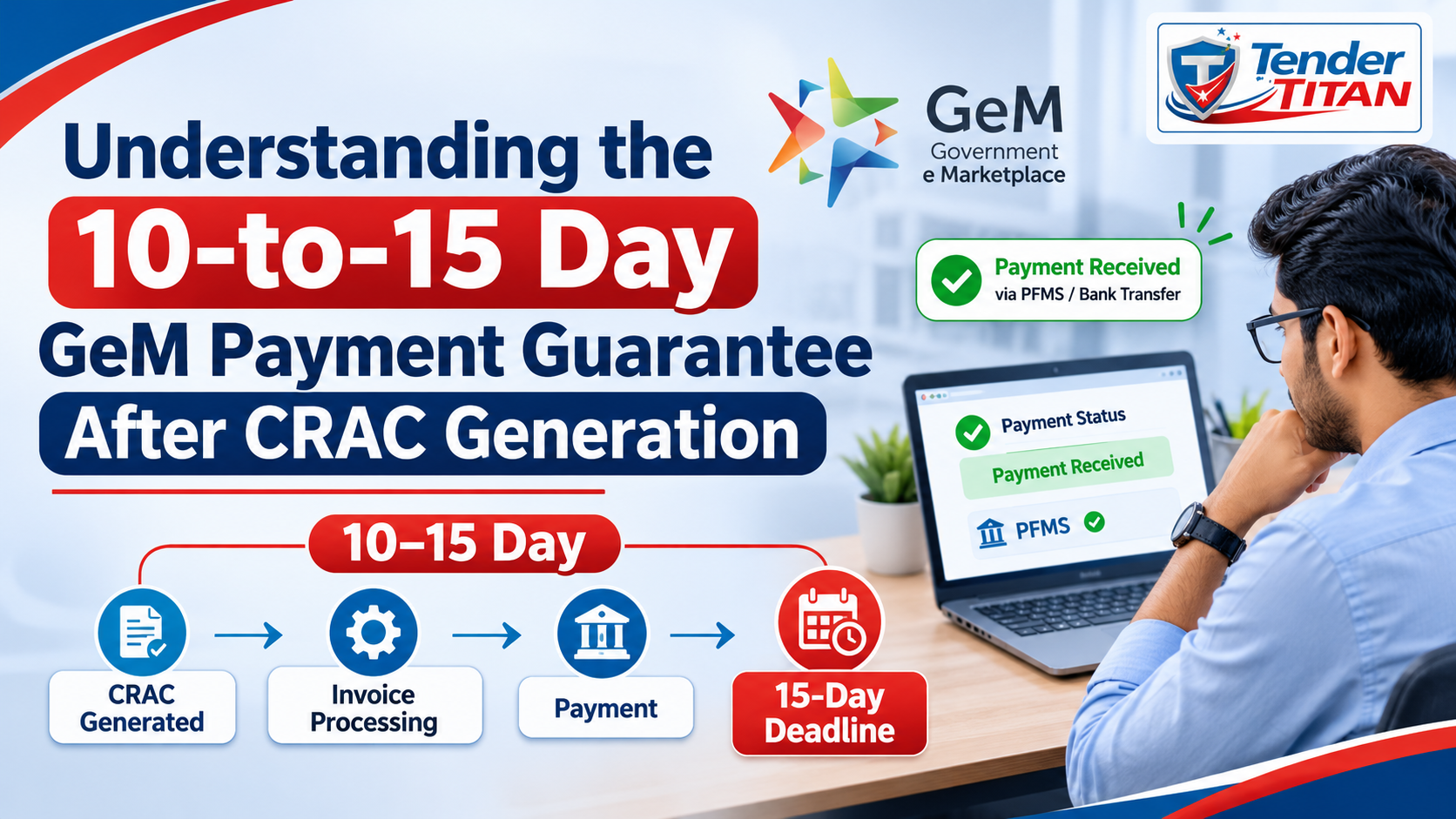
Previously, payment was often of concern to companies supplying Government. Once goods have been delivered, the Government e-Marketplace (GeM) has a defined payment procedure. Compliance with, catalogue, BIS and IS requirements also supports a smooth process for confirming receipt and so items can then be accepted.
Once a Consignee Receipt and Acceptance Certificate (CRAC) has been generated a 10-15 day payment period then opens on the GeM portal for the customer to pay for the goods.
What is a CRAC and When Does the ‘Payment Clock’ open?
On receiving your order, the consignee can produce a Provisional Receipt Certificate (PRC) to confirm receipt of the goods within 48 hours.
The Consignee then prepares a Receipt and Acceptance Certificate (CRAC) and does so after examining the quantity and standard of the goods. If the customer fails to examine and/or accept the goods within the defined timescale (usually 10 days from the PRC) the GeM portal will automatically generate a CRAC for them.
The 10-15 days for payment on GeM is calculated from the day that the CRAC is generated. It is not related to the day of dispatch.
GeM Post CRAC Payment Procedure
After generation of a CRAC, the portal tracks invoice procedures to ensure staff do not neglect to process payments:
Timeline Stage GeM Portal Procedure Payment Effect
Day 0 CRAC is either manually or automatically generated (after the examination period). Payment period then opens.
Days 1-5 The customer’s Paying Authority (PAO/ DDO) reviews your tax invoice, e-Way bill and CRAC details. Invoice is approved and sent for payment.
Days 6-10 Payment is processed using either the PFMS (Public Financial Management System) or GeM Pool Account. Payments are generally processed by bank transfer.
Days 11-15 Last date for Central Ministries, State Departments and PSUs to pay who do not use PFMS. Deadline for payment prior to late payment fees being applied.
>Day 15 Payment is processed outside of the guaranteed payment period without valid grounds for disputing the payment. From this point the customer is charged 1% per month (12% p.a.) in penalty interest on the outstanding balance.
Why Payments can still be Deferred on GeM after a CRAC has been generated
Whilst the GeM portal tracks payment procedures, delays can occur if there are differences between invoice data and an organisations account details. Common reasons for payment deferral include:
• Invoice/GST Mismatch – If the invoice number, GSTIN and taxable value details inputted onto the GeM portal do not match those on an e-Invoice and/or contract, the accounts department will put an invoice on hold.
• PFMS Bank Account not Confirmed – The GeM portal will only send payment to a supplier’s primary bank account if it has been confirmed and validated on the PFMS portal.
• Installation/Commissioning Certification not yet Received – For orders which require installation, a CRAC can only be generated once the customer has signed off an installation certificate.
• Deliberate Non-Delivery / Quality Issues – If an order is not supplied as originally agreed even though it has been accepted, stringent action may be taken. For more information on how customers can enforce payment from non-paying suppliers, please consult our tender blacklisting and debarment guidance.
How to Track and Contest Payment
It is not necessary to contact Government offices regarding late invoice payment. Follow the below steps within the seller section of your GeM portal:
Understanding the GeM 10-15 day payment period from generation of a CRAC assists with accurate working capital management and empowers you to efficiently enforce payment from customers. Correcting invoice and PFMS bank account details will also support prompt payment. Alongside GeM, you can also search for current central and state government procurement opportunities on the Tender18 website.